
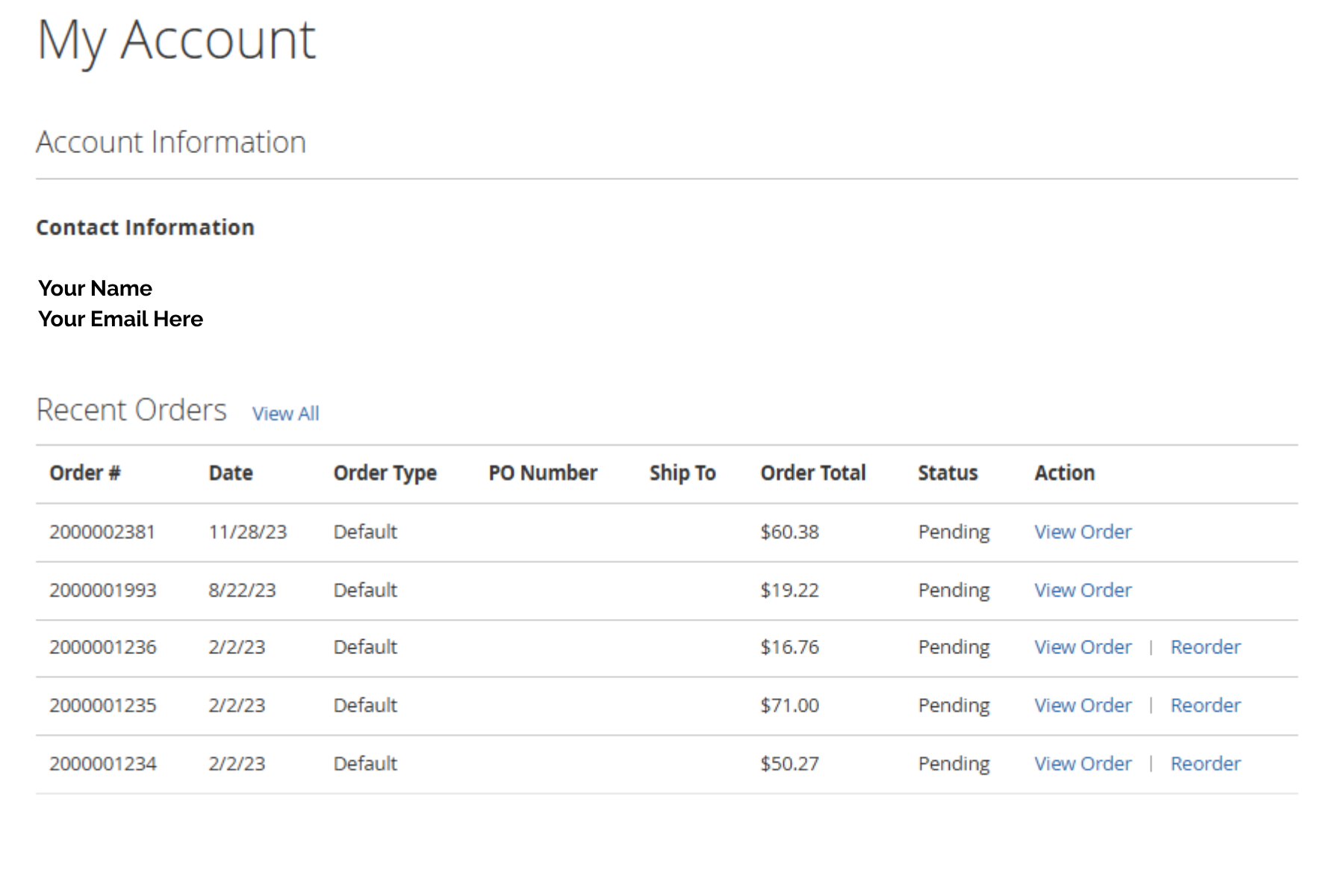
1. How can I see my previous orders and can I reorder them
- Go to My Account
- Select Recent Orders
- To re-order, select click on re-order
2. What is the purpose of the Wishlist feature?
The Wishlist feature allows you to save items you’re interested in for future purchases. This is a convenient way to keep track of your favorite products, especially if you're not ready to place an order yet. You can easily move items from your Wishlist to your cart when you're ready to order.
3. How does the "Notify Me When Product is Back in Stock" option work?
If a product is currently out of stock, you’ll see an option to receive an email notification when it becomes available again. Simply click the “Notify Me” button and enter your email address if prompted. Once the product is restocked, you’ll automatically receive an email letting you know it's ready to order.
4. What happens if my order is under the $350.00 minimum?
Orders below the $350.00 minimum will incur a shipping fee. This delivery fee is based on two factors:
-
Weight of the order
-
Distance to your location (via FedEx)
Because rates vary by order size and shipping destination, the final shipping cost will NOT be calculated and displayed during checkout. You may also refer to your previous orders for a rough estimate, as similar weights and destinations will have comparable fees.
5. How do I reset my password?
To reset your password:
- Go to the login page
- Click “Forgot Password?”
- Enter your email address associated with your account
- Check your email for the reset link and follow the instructions to create a new password
If you do not receive the email within 24 hours, please check your spam/junk folder and ensure [email protected] is whitelisted or contact customer support for assistance.